Creating an Account
Before using TransGull's translation features, you need to create a free account.
Step 1: Open the Sign-Up Form
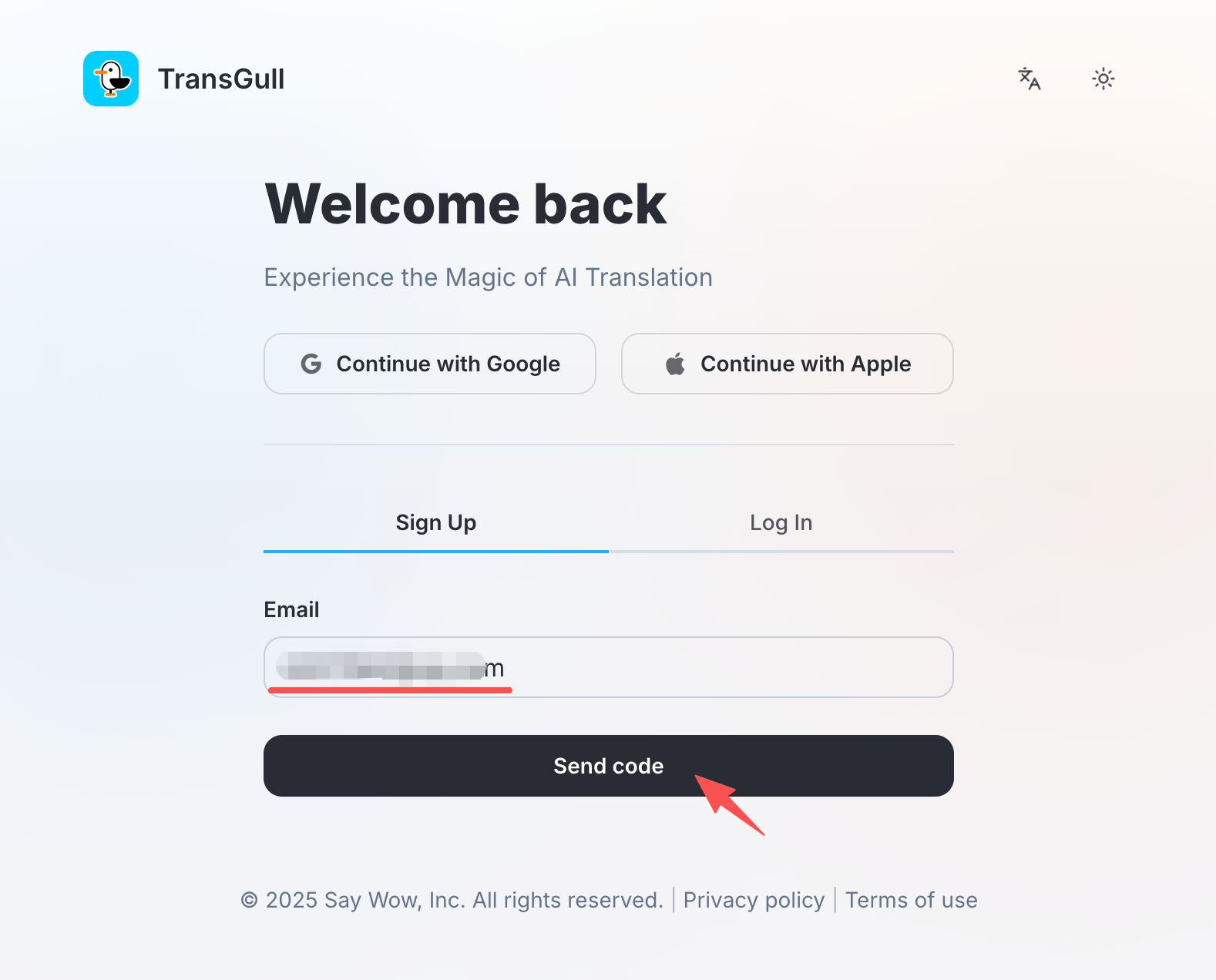
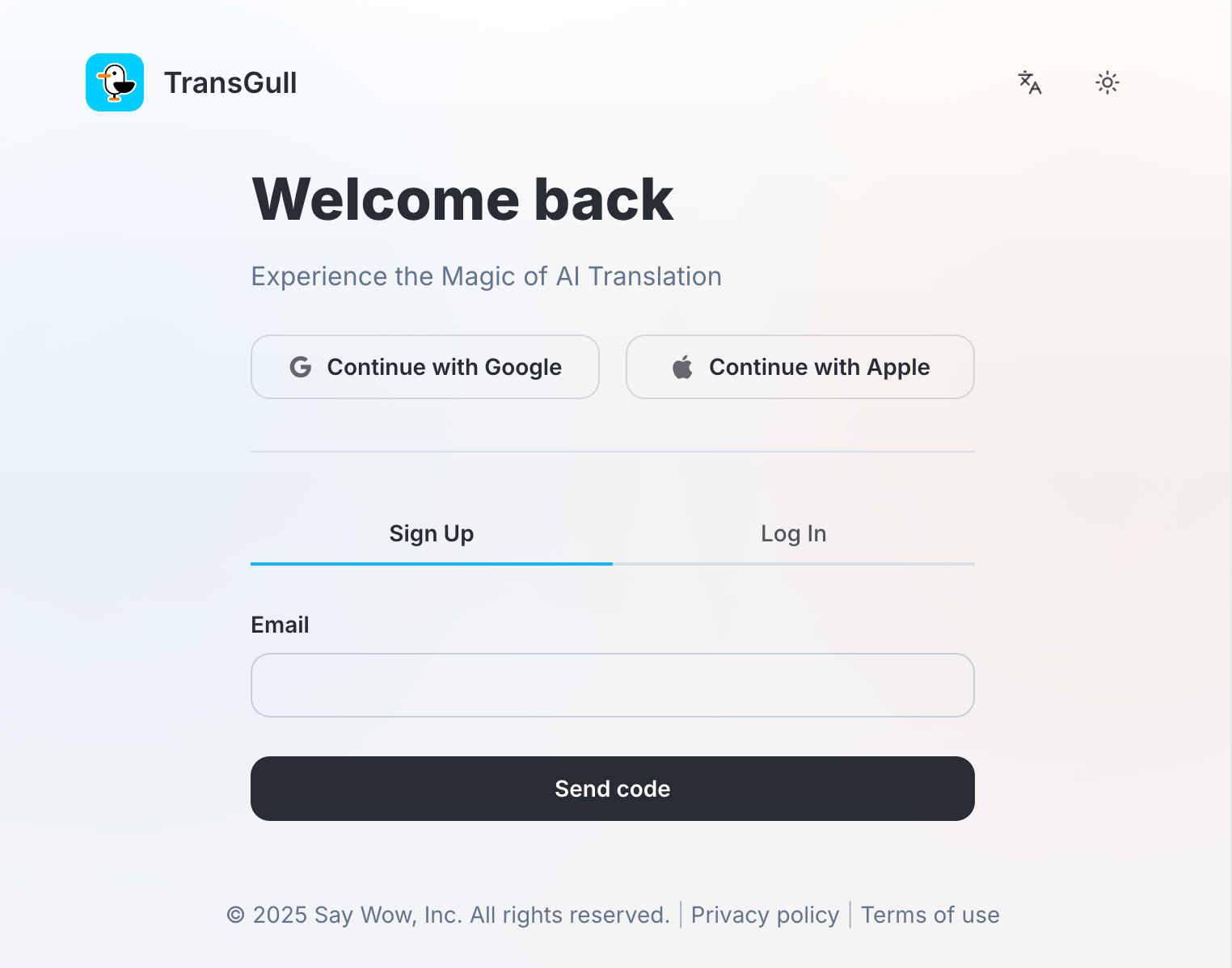
Launch TransGull and click "Sign Up" on the login screen.
Step 2: Enter Your Email
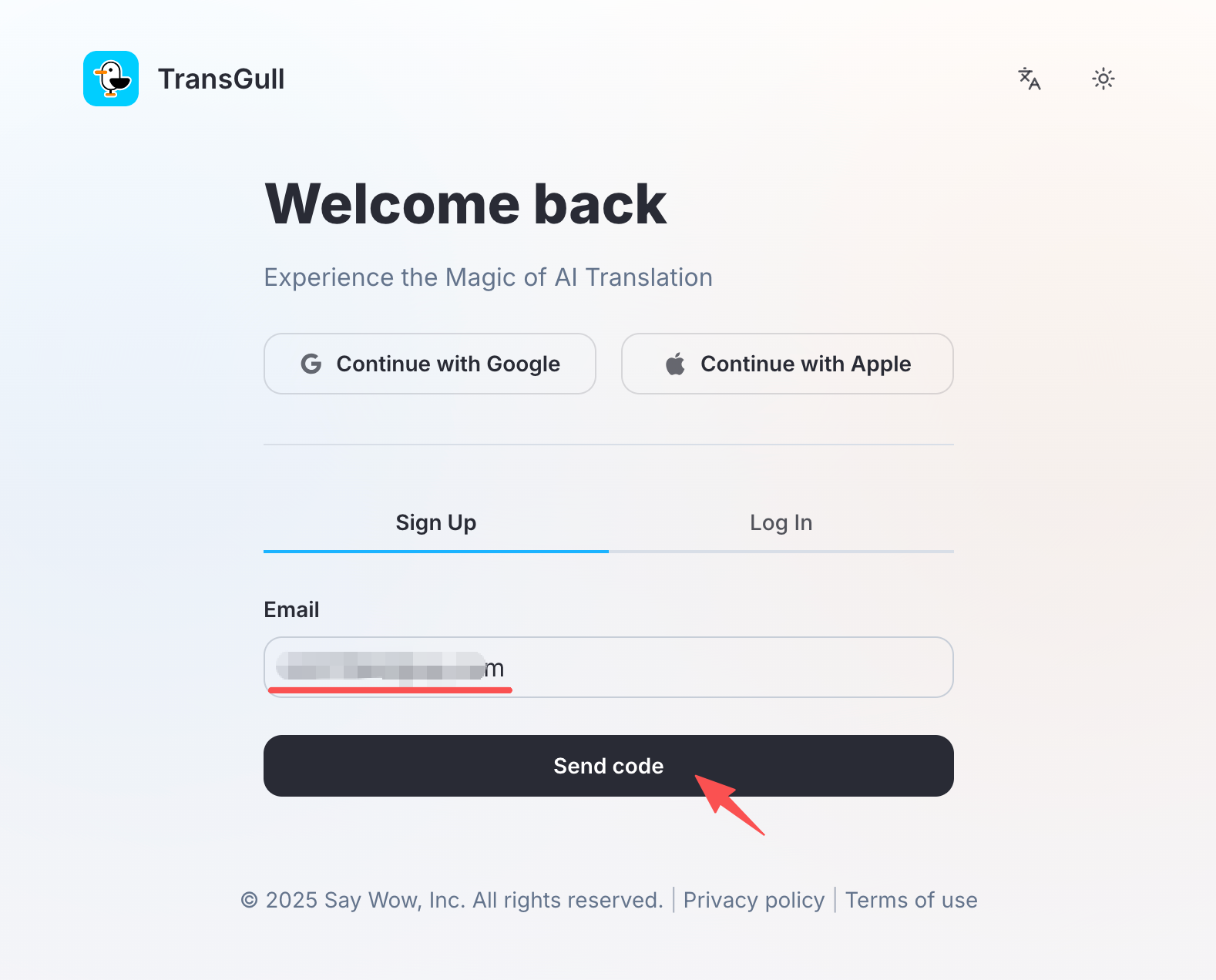
Enter your email address and click "Send Code". The system will automatically send a verification code to your inbox.
Note
Check your spam/junk folder if you don't see the email within a few minutes.
Step 3: Verify Your Email
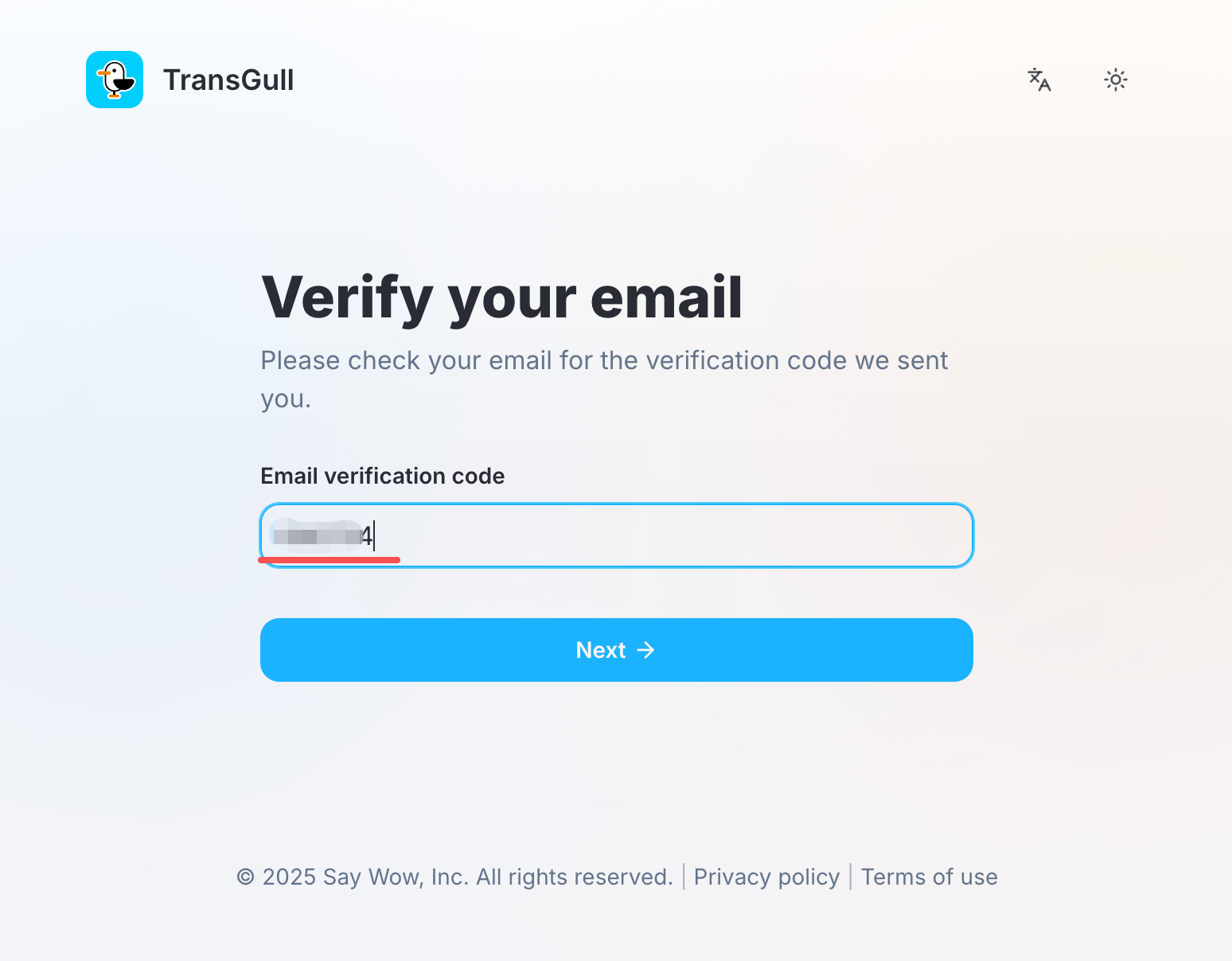
Open your email and find the verification code sent by TransGull. Enter the code in the application.
Step 4: Set Your Password
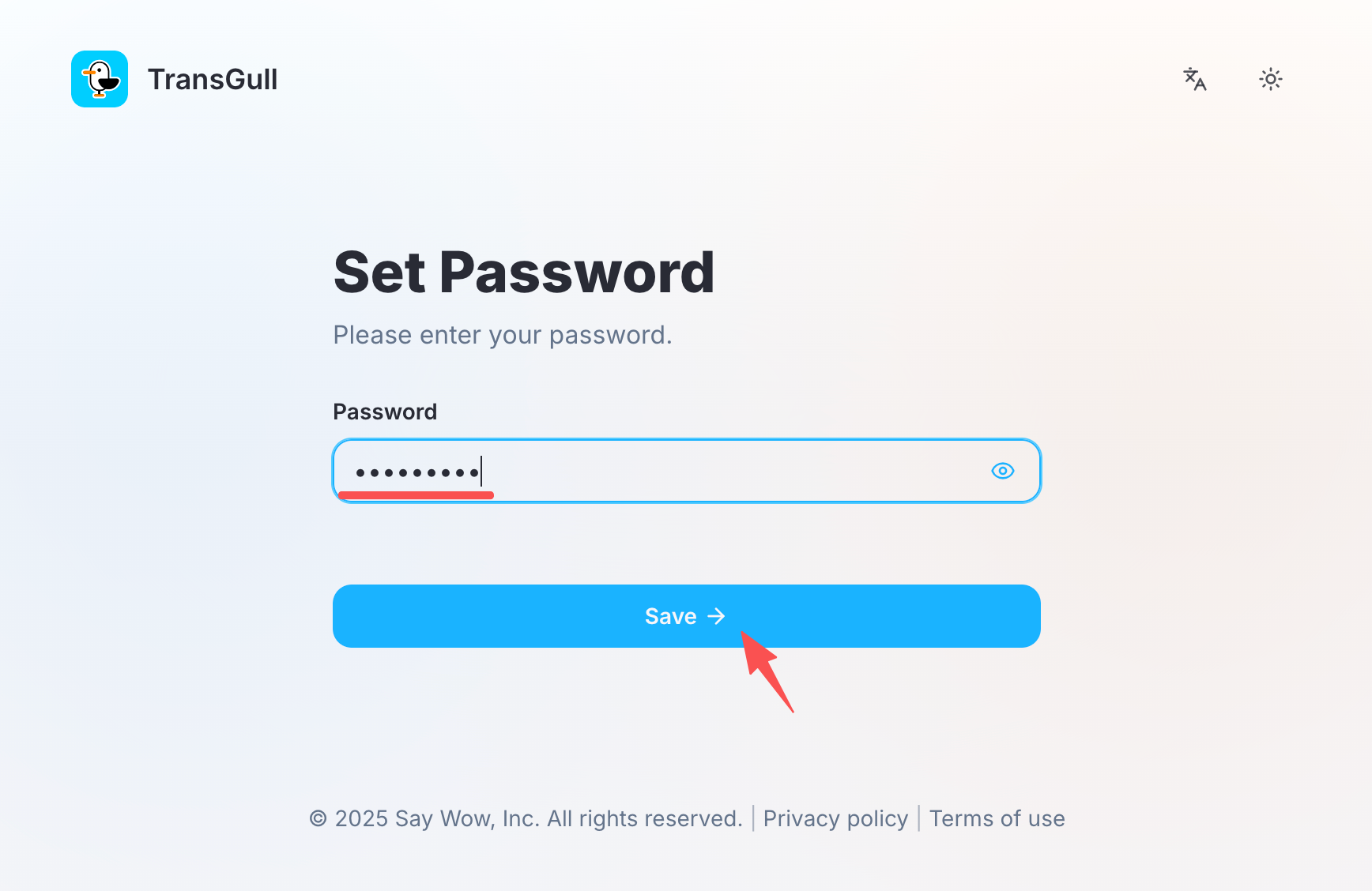
Enter your desired password and click "Save" to complete the account setup.
Signing In
After creating your account, you can sign in with your email and password. The TransGull main interface will appear, giving you access to all translation features.
Next Steps
With your account ready, explore the translation features: